
I Spy Printable
Make a fresh I spy page in one click. Choose a theme and difficulty, and the maker scatters pictures across the page in random amounts. Children find and count each kind of picture and write the numbers in the table. Print the answer key on a separate page, or press “New page” for a different puzzle every time.
- Free to use
- No sign-up
- Runs in your browser
I spy page maker
Printable I Spy Counting Pack
Six printable I spy counting pages with shape pictures in easy, medium and hard levels, each with a count table and answer key.
- I spy — hearts and stars (easy)
- I spy — garden (medium)
- I spy — music (medium)
- I spy — mixed (hard)
- I spy — night sky (easy)
- I spy — party (hard)
Formats: PDF. Instant download after payment (link valid 72 hours, up to 5 downloads). AI-assisted: the templates were drafted with AI help and reviewed and laid out before publishing.
$3.00 USD, one-time 6 files · about $0.50 each
- Instant download
- 7-day refund
- Secure checkout by Stripe
7-day money-back guarantee. Full refund within 7 days of purchase, even after you download.
Free sample: I Spy Garden Medium (PDF, 496 KB)
Full refund within 7 days — see the refund policy and license.
New · 5 files · PDF
Halloween Party Printables
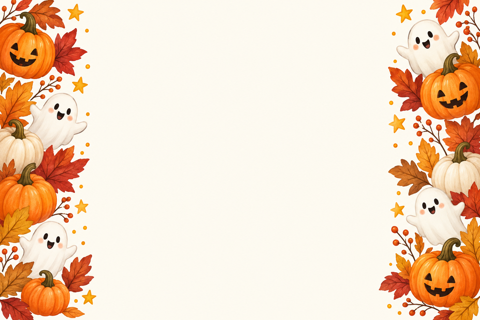
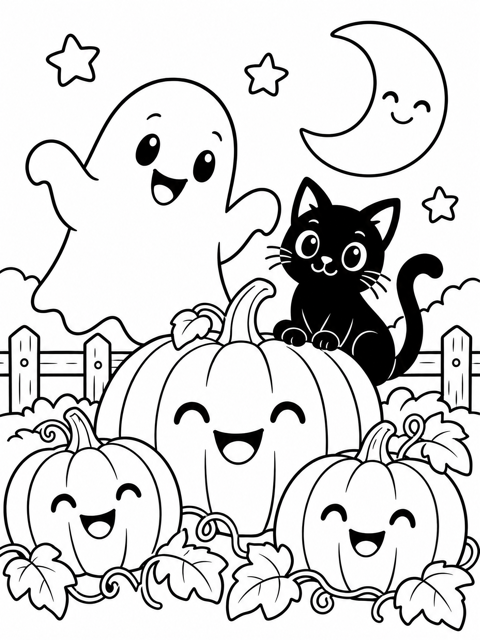
Illustrated Halloween party printables: two invitations with fill-in details, tent place cards, treat-bag tags, two greeting cards and two coloring pages for kids.
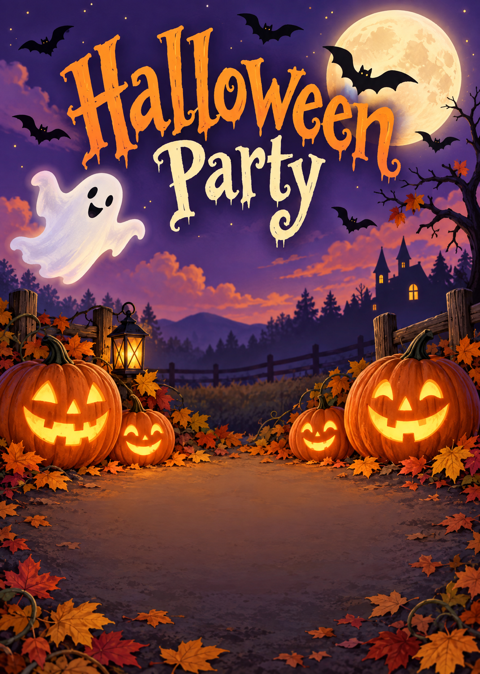
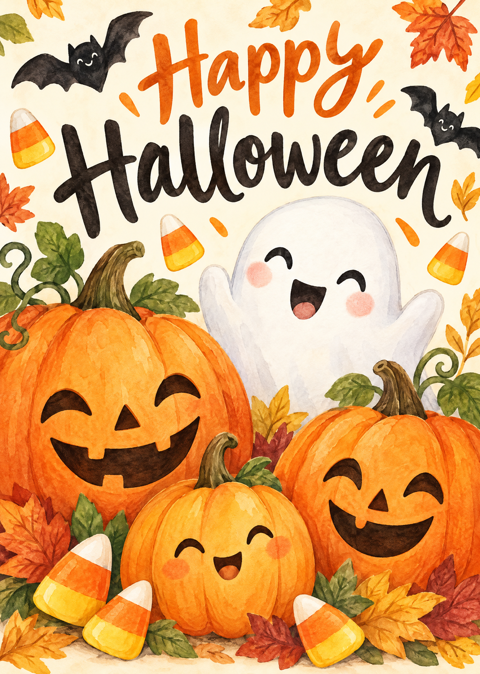
- 2 party invitations, 5x7, two per page (PDF)
- 2 place card designs, 4 per page (PDF)
- 1 sheet of treat-bag tags (PDF)
- + 2 more
$6.00 USD, one-time 5 files · about $1.20 each
- Instant download
- 7-day refund
- Secure checkout by Stripe
7-day money-back guarantee. Full refund within 7 days of purchase, even after you download.
Artwork created with AI image tools, then selected and laid out for print.
Free printables
Single sheets you can print right now, no sign-up. The full pack adds every sheet in one download plus the editable files.
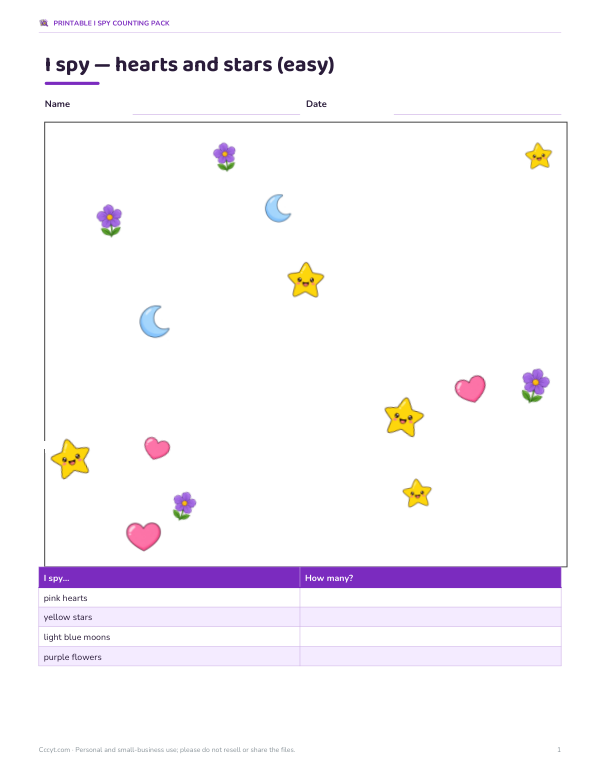 Printable I Spy Counting Sheet2 pages · free PDF
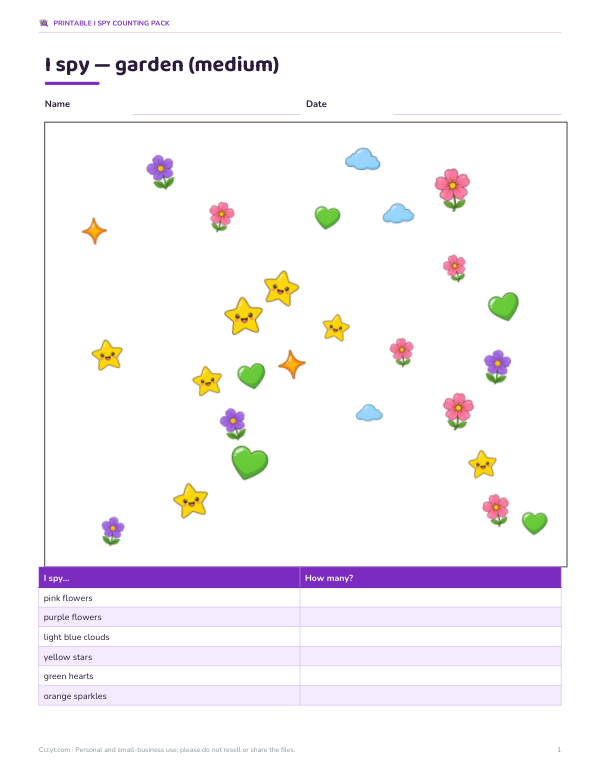 Printable Garden I Spy Counting2 pages · free PDF
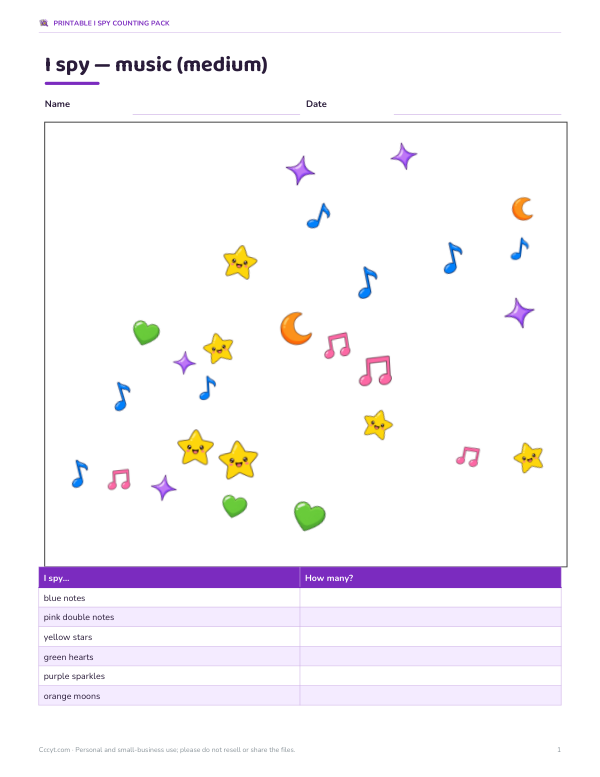 Printable Music I Spy Counting Sheet2 pages · free PDF
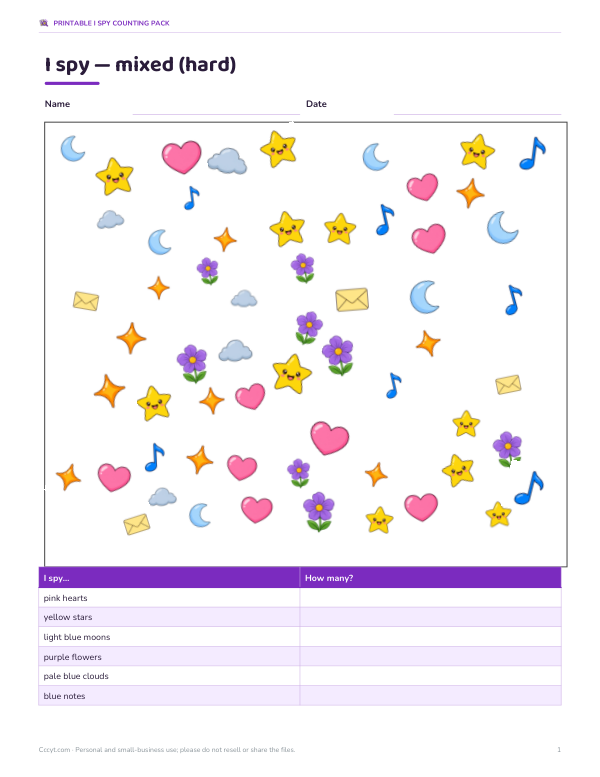 Mixed I Spy Counting Printable3 pages · free PDF
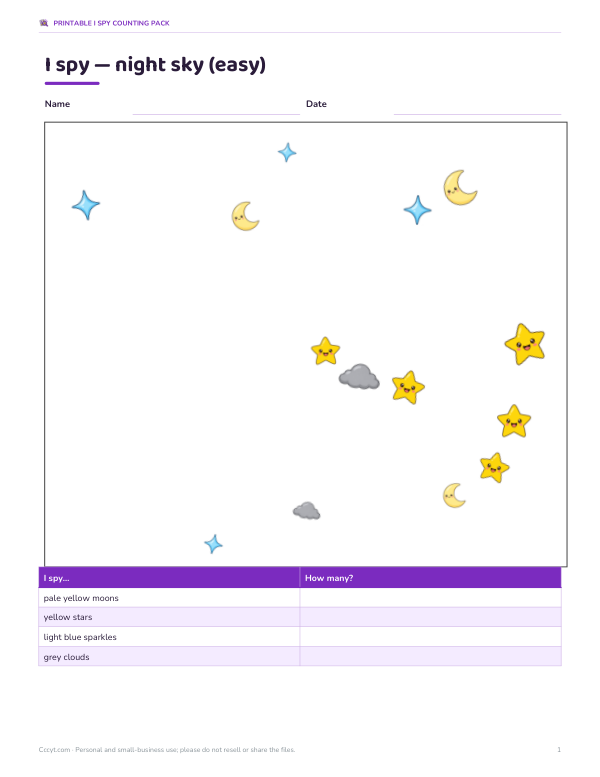 I Spy Night Sky Counting Printable2 pages · free PDF
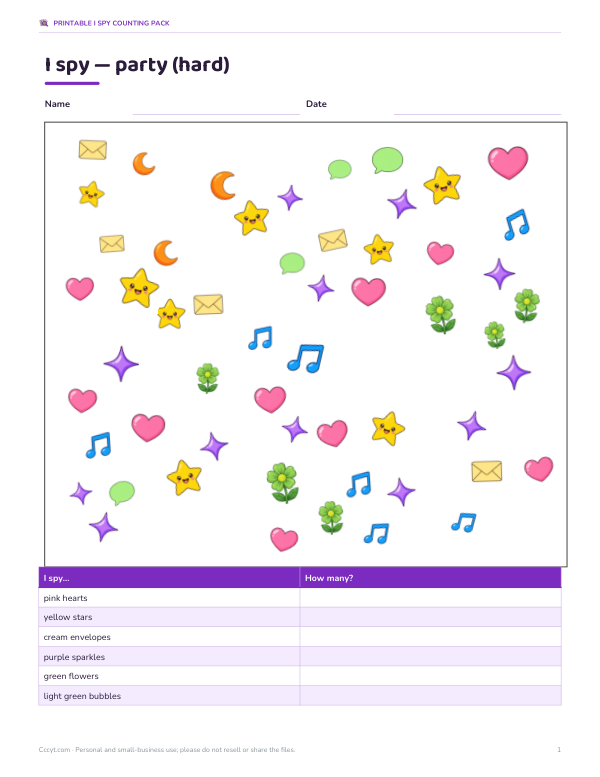 Printable Party I Spy Counting Sheet3 pages · free PDF
 Spider web string lights
 Halloween treat bags
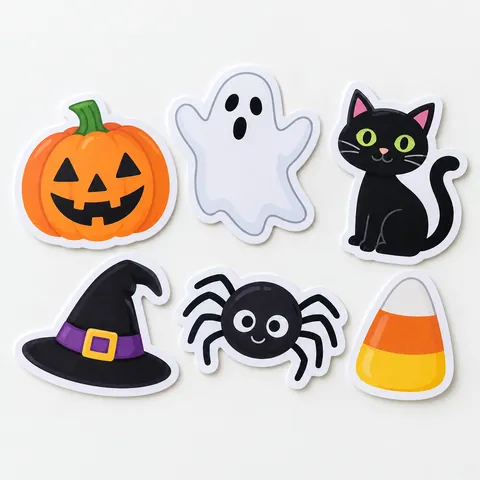 Halloween stickers for kids
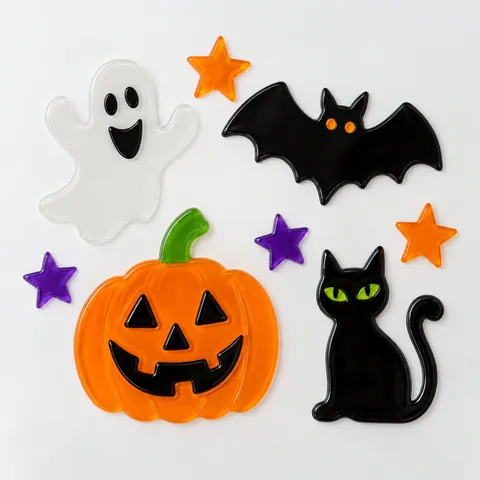 Halloween window clings
 Christmas party string lights
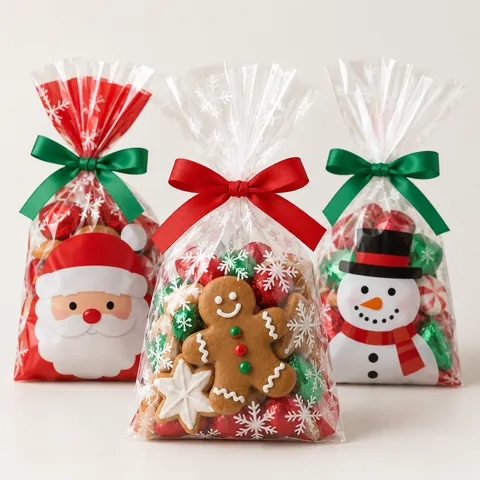 Christmas treat bags
How to use the I spy maker
- Pick a theme and difficulty.
- Click “New page” until you like the layout — every page is different.
- Print the page, and print the answer key separately if you want to check answers.
- Children find each picture shown in the table, count how many there are and write the number underneath.
- For extra challenge, ask them to colour or circle each group in a different colour as they count.
Pictures are emoji drawn by your device, so they print in full colour on most computers and phones. They look slightly different on Windows, Mac and Android because each system has its own emoji designs.
Skills children practise
- Visual discrimination — telling similar pictures apart among many.
- Counting and one-to-one correspondence — touching each picture once as they count.
- Number writing — recording each count in the table.
- Attention and persistence — scanning the whole page systematically.
- Vocabulary — naming each animal, food or object.
- Sorting and comparing — which picture has the most? The fewest?
Difficulty levels
| Level | Kinds of picture | Maximum of each | Suits |
|---|---|---|---|
| Easy | 4 | 5 | Ages 3–4, early counters |
| Medium | 6 | 8 | Ages 4–6 |
| Hard | 8 | 12 | Ages 6–8 and siblings who want a challenge |
For toddlers, point to one picture in the table at a time and count together. For older children, time how long a page takes or add questions such as “How many more cats than dogs?”.
Counting strategies to teach
- Scan in rows from left to right like reading, so nothing is missed.
- Put a small dot or tick on each picture after counting it.
- Count one kind at a time rather than everything at once.
- Say the number aloud while touching each picture.
- Check by counting again in the opposite direction.
Ideas for using I spy pages
| Where | Idea |
|---|---|
| Road trips and flights | A clipboard and a few pages keep children busy without screens |
| Restaurants | A folded page and crayons while waiting for food |
| Classrooms | Morning work, maths centres or early-finisher activities |
| Speech therapy | Name and describe pictures while counting |
| Birthday parties | Themed pages as a quiet-down activity |
| Homeschool | Daily counting practice that feels like a game |
Worked example
For a four-year-old on a long car journey, a parent chooses the animals theme at medium difficulty and prints five different pages. On the first page there are 3 dogs, 7 cats, 5 rabbits, 2 frogs, 8 monkeys and 4 foxes scattered across the page. The child counts each animal, ticking them off, and writes the numbers in the table; at the next stop the parent checks with the answer key and asks which animal appears most.
Turning I spy into maths practice
Once the counting table is filled in, the page becomes a small maths lesson. Ask children to find the total number of pictures by adding the counts, compare two groups (“how many more rabbits than frogs?”), put the counts in order from smallest to largest, or draw a simple bar chart with one bar for each picture. Older children can work out fractions — “what fraction of the animals are cats?” — or tally marks in groups of five. The answer key makes checking quick for parents and teachers.
Making your own themes
Children can design their own I spy page too: fold a sheet into a grid, choose three to five small pictures to draw, and hide different numbers of each across the page. Swapping pages with a sibling or classmate turns it into a game, and drawing the pictures practises fine motor skills. For themed learning, match the page to what the class is studying — ocean animals during a sea unit, vehicles for a transport topic, or foods for a healthy-eating lesson.
Accessibility and younger children
For children who find busy pages overwhelming, choose the easy level with only four kinds of picture, and cover half the page with a sheet of paper so they count one half at a time. Larger print sizes and colour printing make pictures easier to tell apart. For children with visual impairments, fewer, larger pictures and high contrast work best; the medium and hard levels suit children who enjoy a challenge.
Printing tips
Print in colour for the best experience; the emoji are recognisable in grayscale too, but colour helps younger children. Use landscape or portrait on US Letter or A4 — the page scales to fit. For repeated use, slip pages into a clear plastic sleeve and use dry-erase markers.
Privacy
Pages are generated in your browser. Nothing is uploaded, and no account is needed.
Frequently asked questions
What age are I spy pages for?
About ages 3 to 8, with easy, medium and hard levels.
Is every page different?
Yes, pictures and counts are randomised each time you click New page.
Why do the pictures look different on my phone?
They are emoji, which each operating system draws in its own style.
Can I print an answer key?
Yes, click Print answer key.
Do I need colour ink?
Colour is best, but pages work in black and white too.
Is it free?
Yes. The optional pack adds printable I spy sheets with shape pictures and answer keys.
How many pictures are on a page?
About 10–20 on easy, 20–45 on medium and 40–90 on hard, depending on the random counts.
Can I choose the same theme twice?
Yes, every click on New page shuffles the pictures and counts.
Can I use the pages in a classroom?
Yes. Print a class set, or project a page on the board and count together as a warm-up.